CARLIKE WRAP
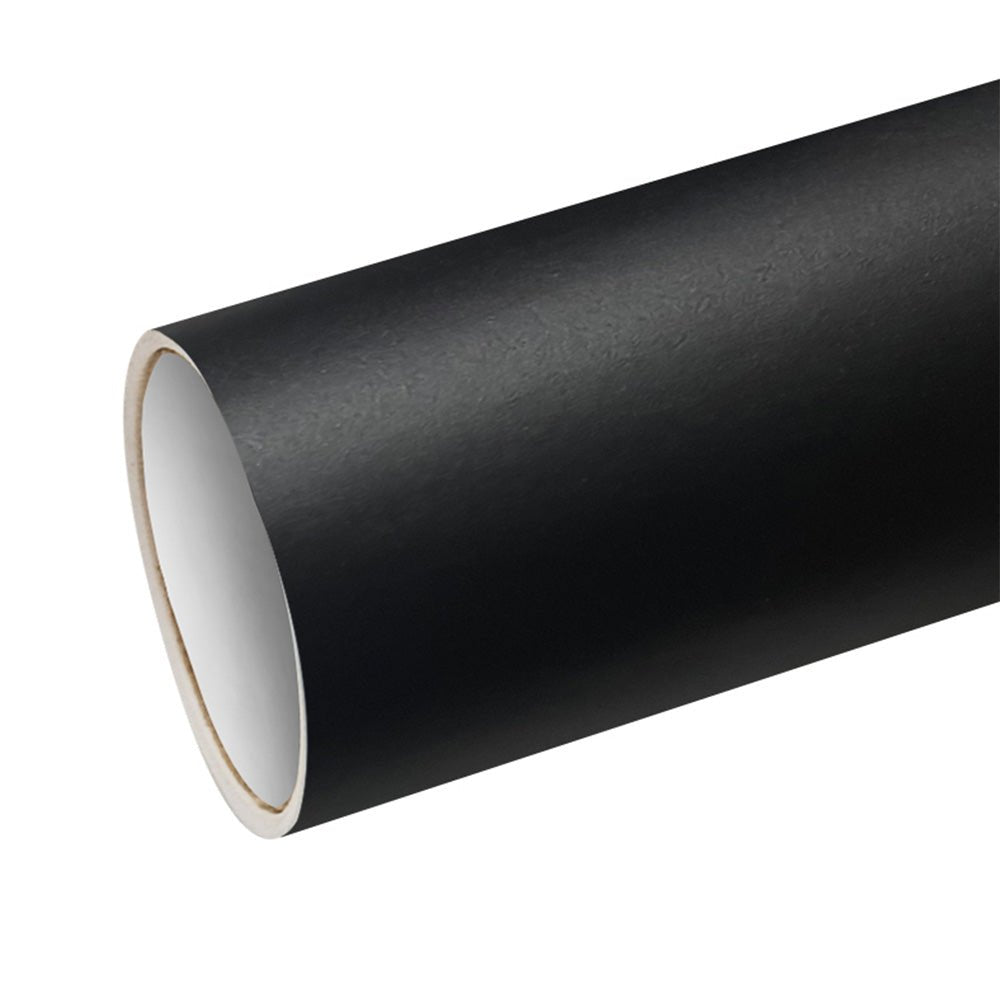
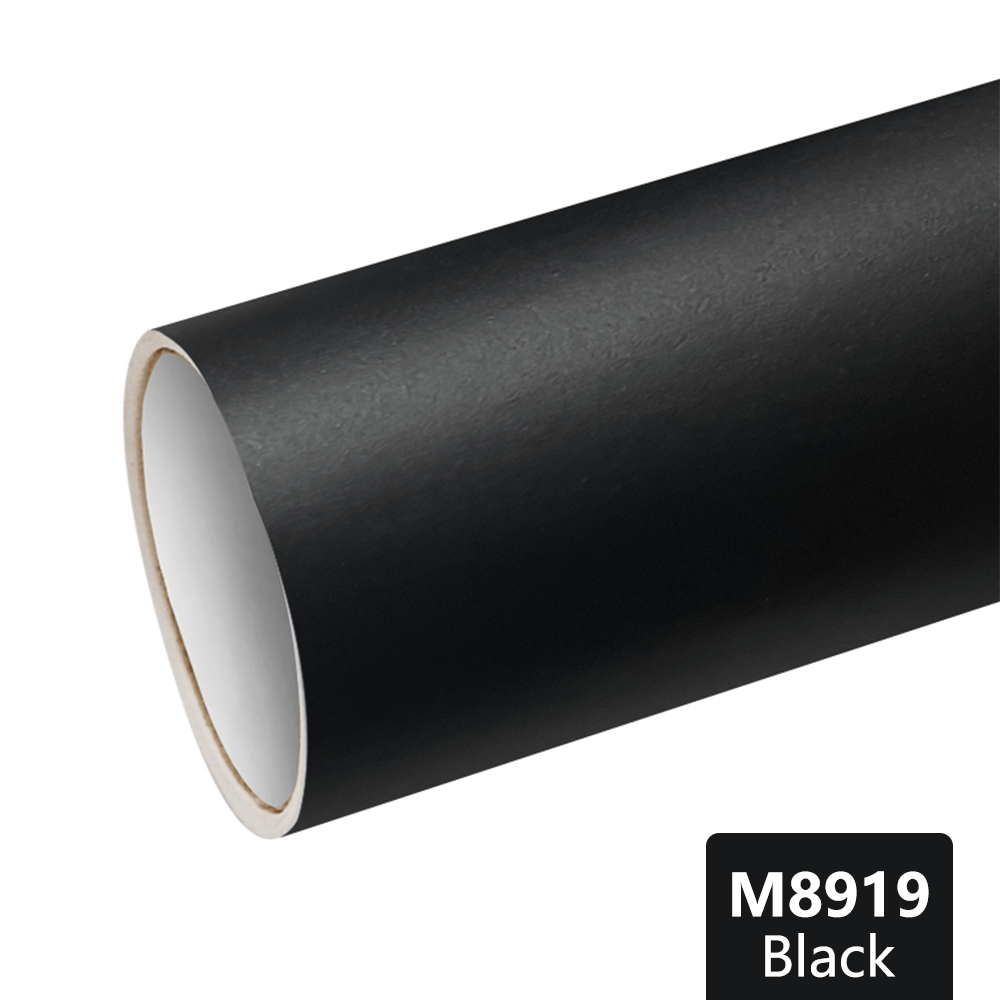
CARLIKE M8919 Matte Black Graphic Permanent Adhesive Plotter Cutting Vinyl
Choose options
Brand: CARLIKE
Model Number: M8919
Color: Matte Black
Size: 0.305x50M/12''x163FT, 0.61x50M/24″x163FT, 1.22x50M/60″x163FT
Film thickness: 100micron, 4mil
Glue thickness: 25μm
Release paper: 140g/m2, Silicone coated
Durability: Outdoor 2-3 years, indoor 5-7 years
Quality: Warranty 2 years for outdoor color no fade
Adhesive style: Transparent, polyacrylate, removable
Application: Computer cutting, graphic, advertising, sign, poster, car decal sticker, decoration, furniture
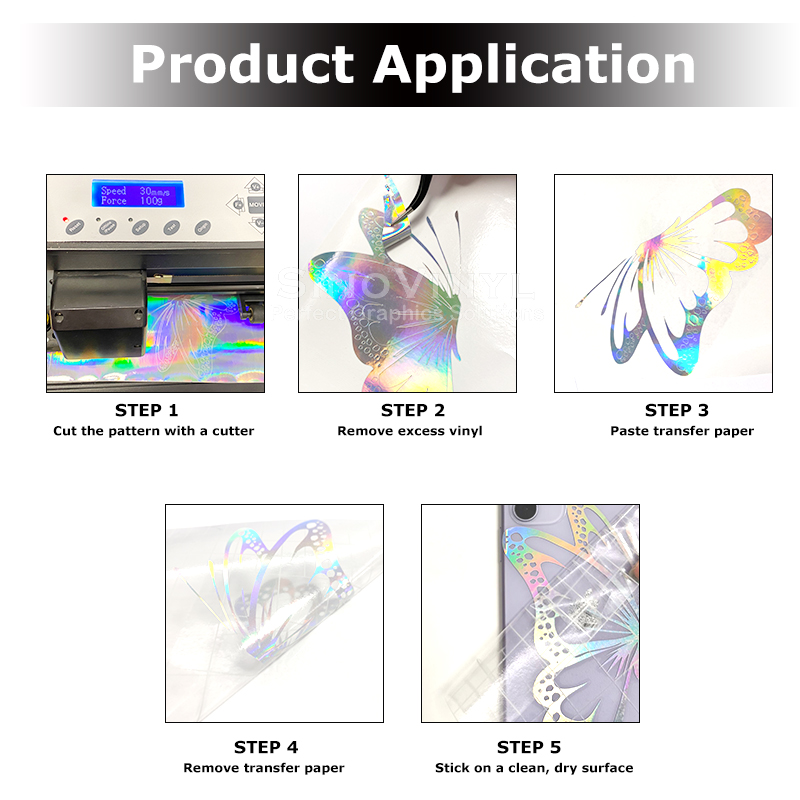
How to use the graphic cutting vinyl?
1. Design creation in the computer
Computer designed images are loaded onto the vinyl cutter via cords or over wifi depending on the model. Then the vinyl is loaded into the machine where it is automatically fed through and cut to follow the set design.
2. Use the vinyl cutter to cutting
The vinyl cutter uses a small knife to precisely cut the outline of figures into a sheet or piece of vinyl, but not the release liner. The knife moves side to side and turns, while the vinyl is moved beneath the knife. The results from the cut process is an image cut into the material.
3. Weeding the release paper
The material is then ‘weeded’ where the excess parts of the figures are removed from the release liner. It is possible to remove the positive parts, which would give a negative sticker, or remove the negative parts, giving a positive sticker. Removing the figure would be like removing the positive, giving a negative image of the figures.
4. Use the transfer tape to position and transfer the vinyl
A sheet of transfer tape with an adhesive backing is laid on the weeded vinyl. A roller is applied to the tape, causing it to adhere to the vinyl. The transfer tape and the weeded vinyl is pulled off the release liner, and applied to a substrate, such as a sheet of aluminium. This results in an aluminium sign with vinyl figures.